
How to release and claim contacts in Brixit CRM
Open Sales → Contact Pool to find contacts made available by your team. A contact can enter the pool manually or through a lead rotation rule. Contact details stay hidden while the record is in the pool.
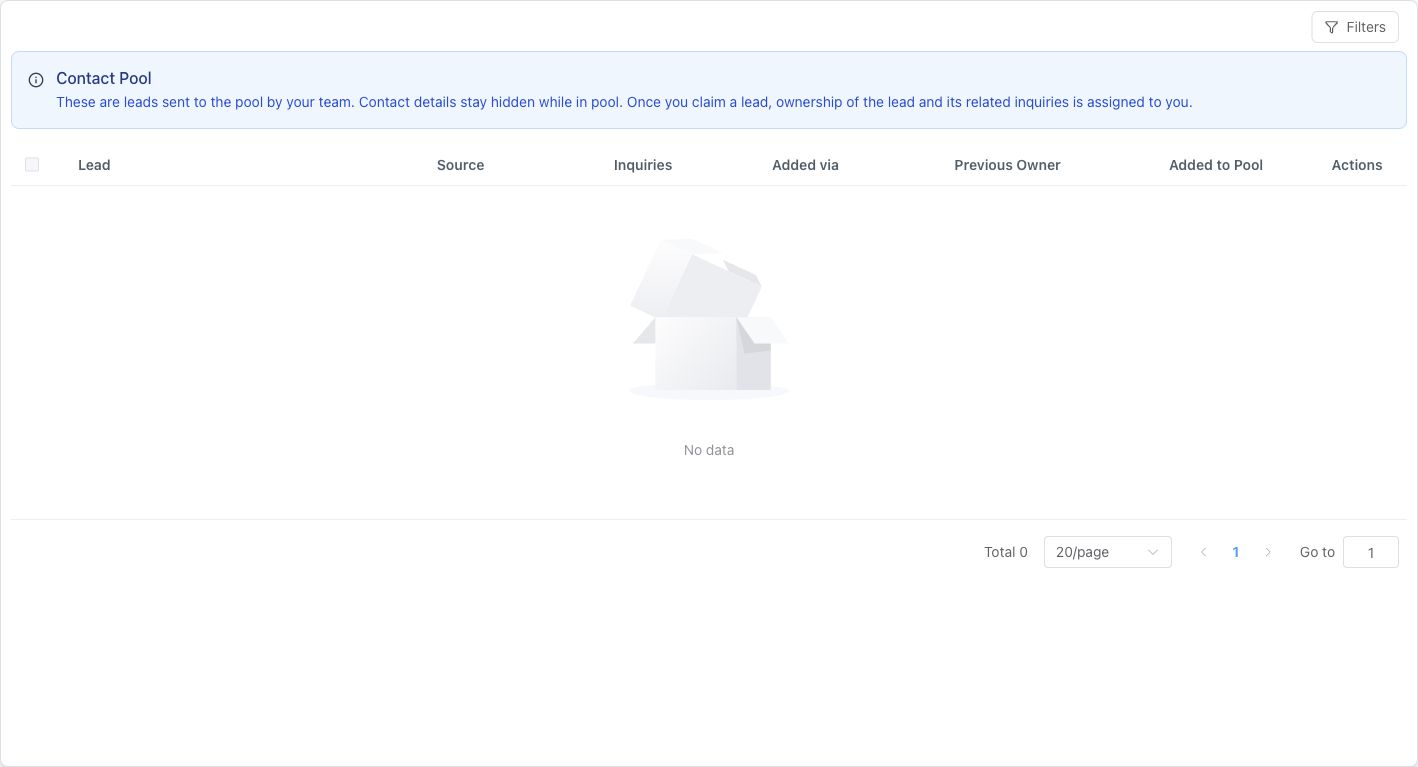
An empty pool is a valid state. The banner explains what changes when a contact is claimed.
Send a contact to the pool
- Open Sales → Contacts and find the contact you are releasing.
- Review its linked inquiries and existing notes so ongoing work is clear.
- Use the available Send to Pool action.
- Read the confirmation and confirm only when the contact should be made available to another agent. The contact and its related inquiries are handled together.
- Check the Contact Pool or the resulting status to confirm the move completed.
If the action is missing, check your permission and the record’s current state.
Find and claim a contact
- Open Sales → Contact Pool.
- Use Filters to search by name, source or Added via (manual or rotation).
- Open a pool record to review the information available before claiming.
- Select Claim, read the confirmation and confirm the assignment.
- Open the assigned contact and review its history and related inquiries.
- Add the next follow-up before starting work.
Claiming assigns the contact and all its related inquiries to you. Another agent may claim the same record while you are reviewing it; refresh the pool if it is no longer available.
Understand reclaim restrictions
The previous owner generally cannot immediately reclaim their own submitted contact. An administrator can override this restriction. The contact can become eligible again after another agent claims and subsequently reassigns or returns it. Follow the message on the record rather than repeatedly trying Claim.
For automatically released contacts, an administrator can inspect Settings → Contacts & Inquiries → Lead Rotation → Report to understand the rule and ownership movement.
Common questions
What happens when I claim a pooled contact?
Claiming transfers the contact and its related inquiries to the claiming agent. Review the existing history before making contact. Claim availability depends on permissions and pool restrictions.